
Snippiz
Your personal inbox for the web. Follow the blogs, news sites, YouTube channels, and podcasts you care about, Tag what matters, and read it your way. No algorithm involved.
What's new · Help · How it's built
Snippiz is a free, modern RSS reader for blogs, news, YouTube, and podcasts, kept in sync across every device you use. Read your Feeds on your phone, tablet, or desktop, exactly where you left off.
Why "Snips"?
A Snip is simply an entry from an RSS or Atom feed. It's a headline clipped from the blog, news site, YouTube channel, or podcast that published it. But Snippiz is more than a reader: soon you'll be able to comment directly on any Snip, turning headlines from all over the web into one shared conversation. Think of it as a community layer on top of the news, built right into your Feed.
What it looks like
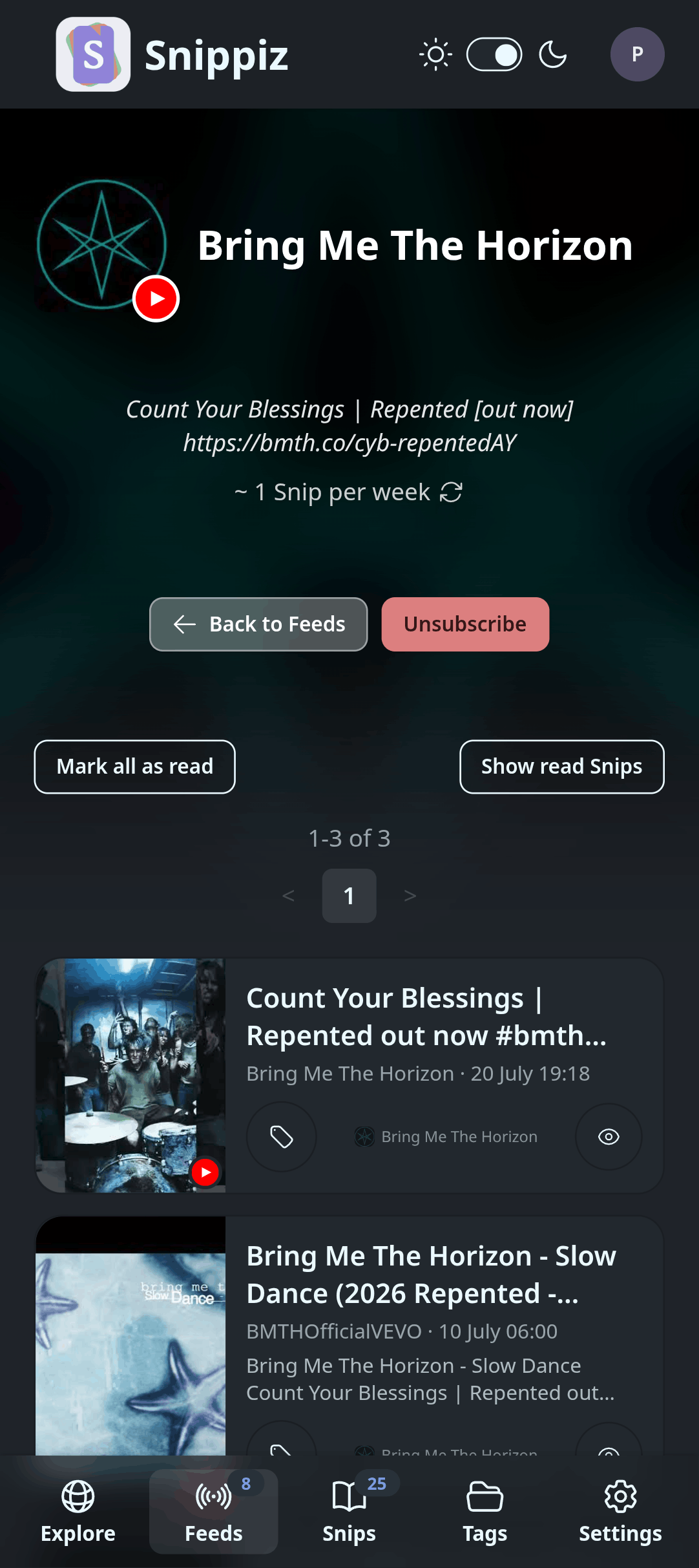
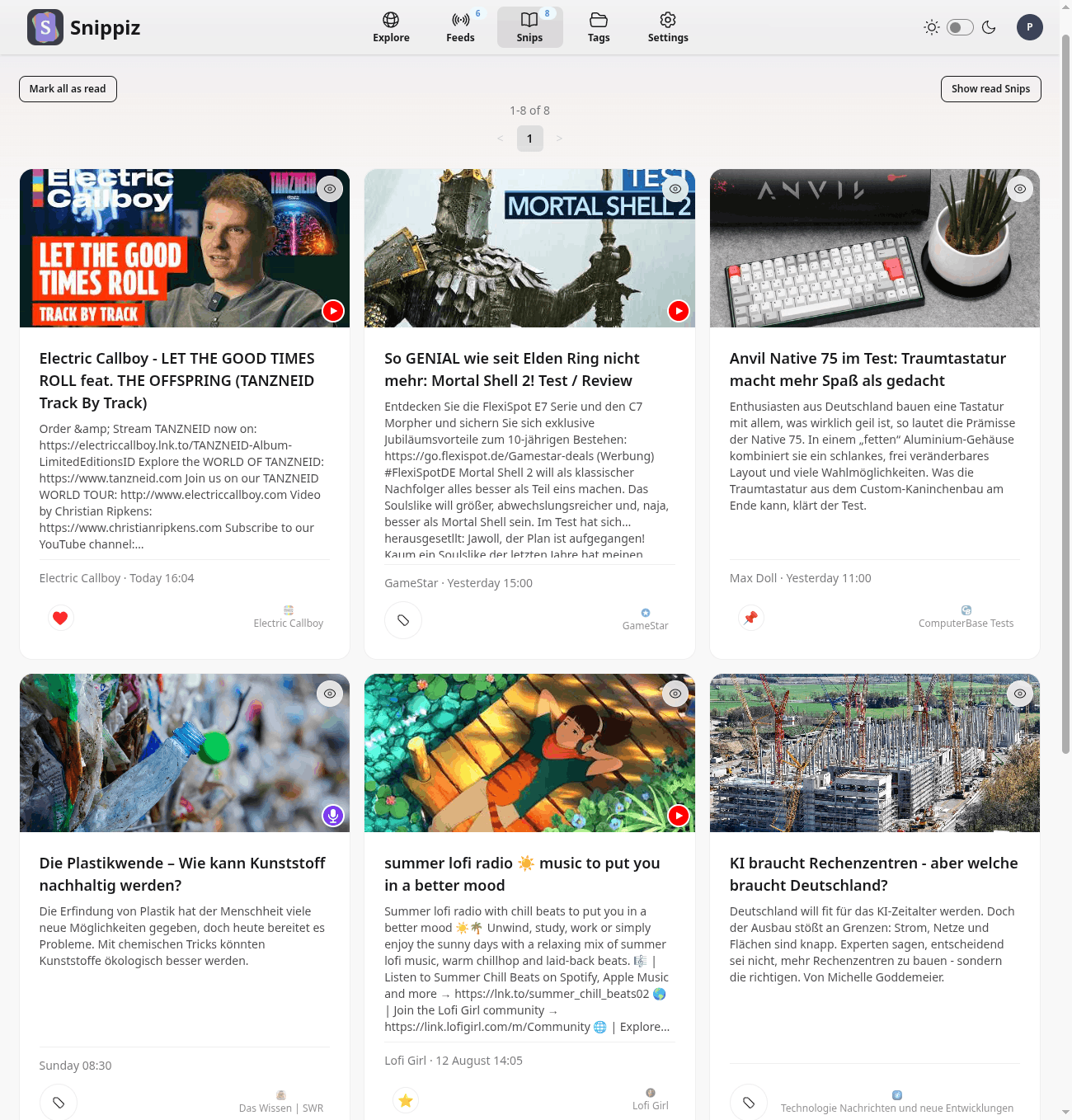
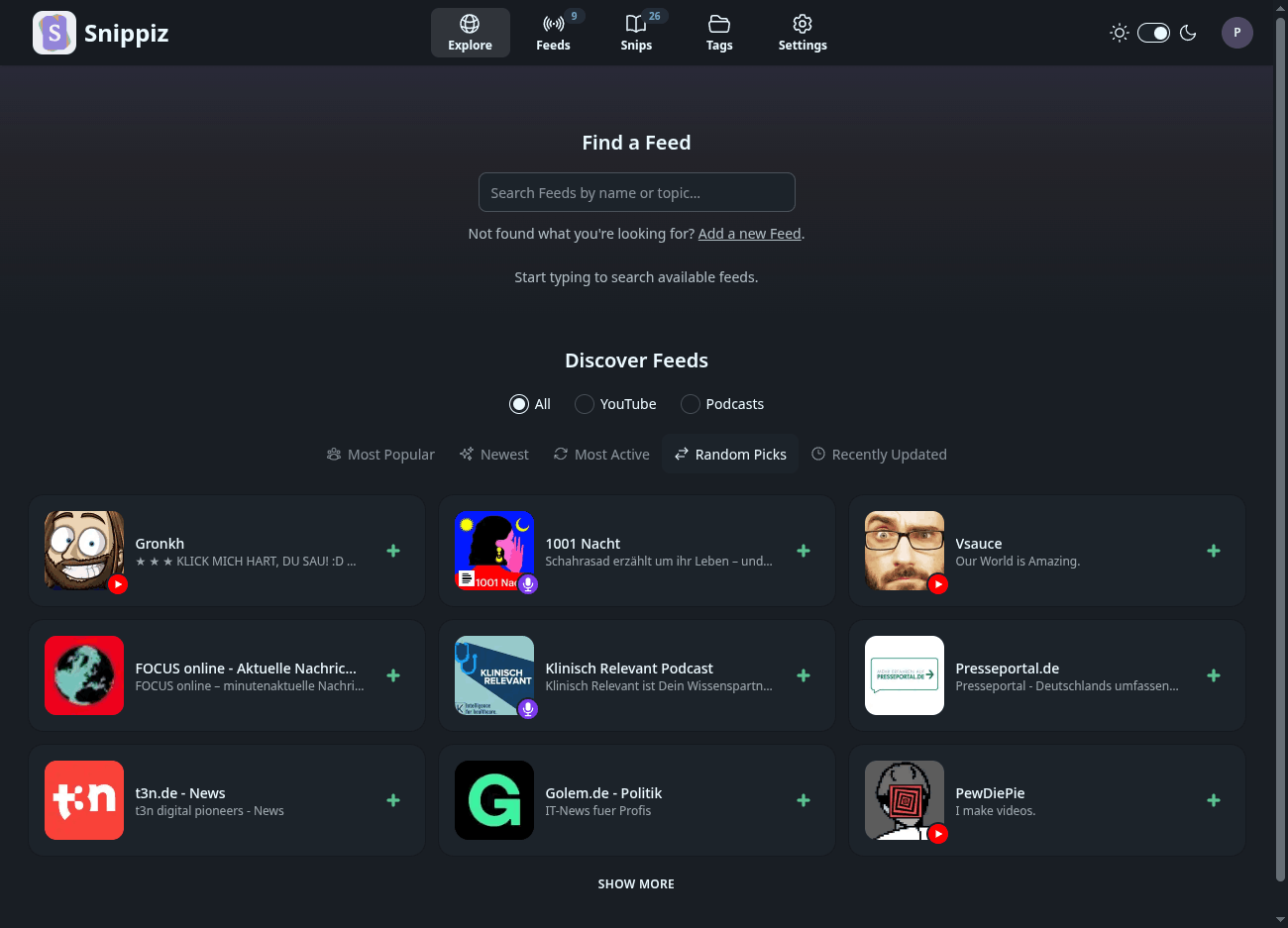
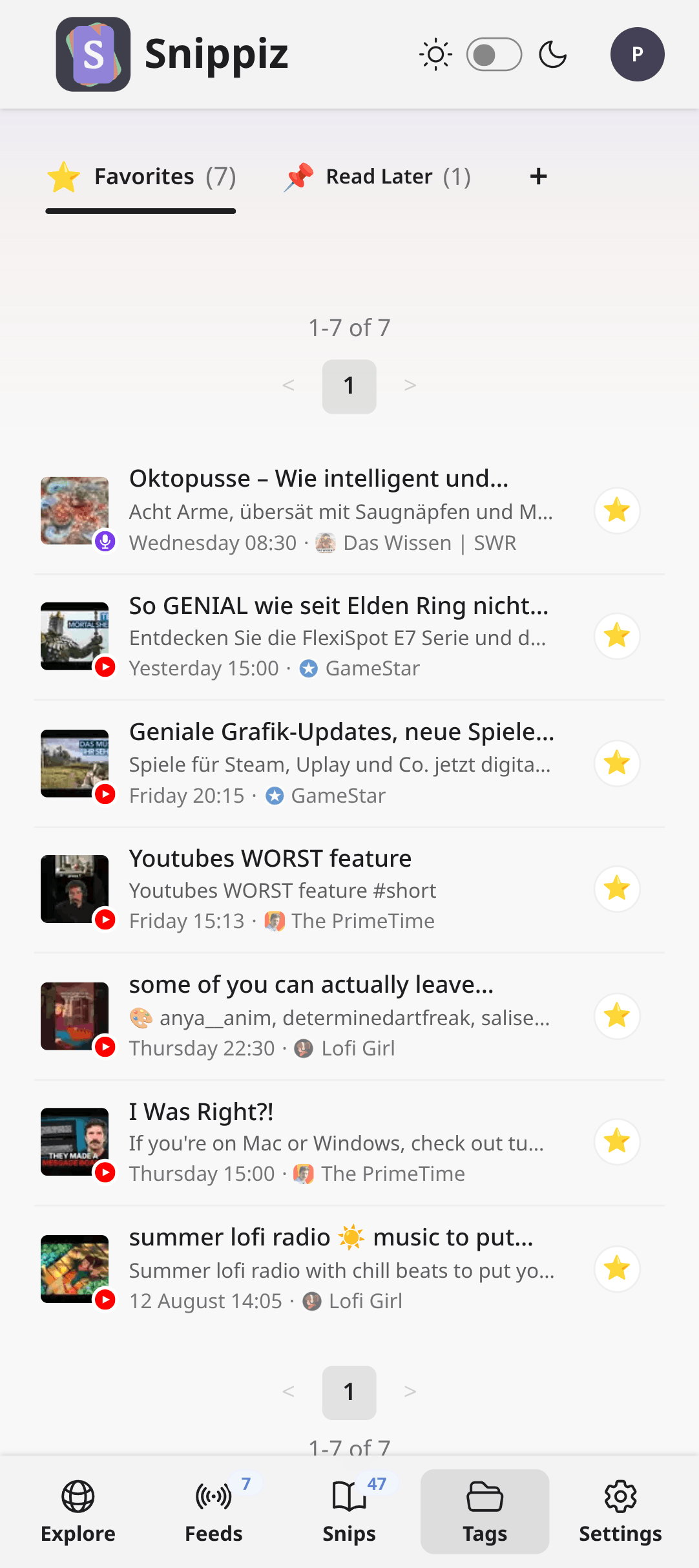
Snippiz on desktop and mobile, light and dark.
Features
A calm, beautiful, algorithm-free way to keep up with the web.
One inbox
Every Feed lands in the same place, ready to read.
Any RSS feed
Follow any site with an RSS or Atom feed. No limits.
Blogs & news sites
Paste a blog's homepage or a news site and Snippiz works out its feed for you. No hunting for a feed URL.
YouTube & podcasts
Add a YouTube channel or paste a podcast link from Spotify or Apple Podcasts. New videos and episodes land right in your inbox like any other Feed.
No algorithm
Snips appear in the order they were published. No algorithm deciding what you see. Especially refreshing for YouTube and podcasts.
Discover Feeds
Browse and search a growing library of Feeds to follow or add your own.
Tags & favorites
Organize Snips with your own named Tags.
Read it your way
Switch between layouts to match how you like to read, mark Snips read or unread, and filter down to what's left.
Groups & muting
Sort your Feeds into Groups that make sense to you, and mute the ones you want to keep but not see right now.
Bring your Feeds along
Import an OPML file from any other reader in one step, and export your subscriptions again whenever you like.
Your data stays yours
No ads, no tracking, no selling. Download everything Snippiz holds about you, or delete your account, in one click.
Comments
Discuss any Snip with the community, right where you read it.
FAQ
A few things you may ask before signing up.